
Web Applications
Business applications are mostly decisions about data: who owns a record, who may change it, and what happens when two people edit it at once. We work through those rules before the interface, then deliver in slices you can actually use.
In scope
- SaaS and multi-tenant products
- Client and partner portals
- Internal business systems
- APIs, roles and integrations
Scope and sequence confirmed in writing before work starts.
In short
We build SaaS platforms, client portals, dashboards and internal systems, and we settle the data rules first: who owns a record, who may change it, and what happens when two people edit it at once. Delivery is sliced, so each piece ships with its interface, API, permissions and tests, and you can use it and correct it early. That is slower than a demo on invented data, and it depends on your decisions about approvals and reporting.
In context
From workflow to working software
An application project often starts with a feature list and ends with a system nobody uses. The gap is usually discovery: unclear ownership of data, approvals nobody defined, reports that need numbers the system never captured. We spend real time on the workflow and the data model, because changes there are cheap on a diagram and expensive in production.
Delivery is sliced. Each slice includes the interface, the API, the permissions and the tests for one coherent piece of work, so you can use it and react to it early. That is slower than a demo built around fake data, and considerably faster than rebuilding the core after a year.
The problem
Symptoms we see before a build starts
- 01
The business runs on spreadsheets
Several versions of the same file, no audit trail, and key numbers depend on who edited last.
- 02
An off-the-shelf tool forces a new process
The product assumes a workflow your team does not have, so people work around it and the data becomes unreliable.
- 03
Clients expect a portal
Orders, documents or reports arrive by email, and every request turns into manual work for your team.
- 04
Systems do not talk to each other
Data is re-keyed between tools, mistakes are inevitable, and nobody can say which copy is correct.
What we do
What we build
Every application gets the same foundations: server-side rules, a data model that matches the business, and access control that can be explained to an auditor.
SaaS products
Multi-tenant data separation, subscription-aware access, onboarding flows and an interface that can be extended as the product grows.
Client and partner portals
Authenticated areas for orders, documents, support requests and status, with roles that reflect the actual relationship.
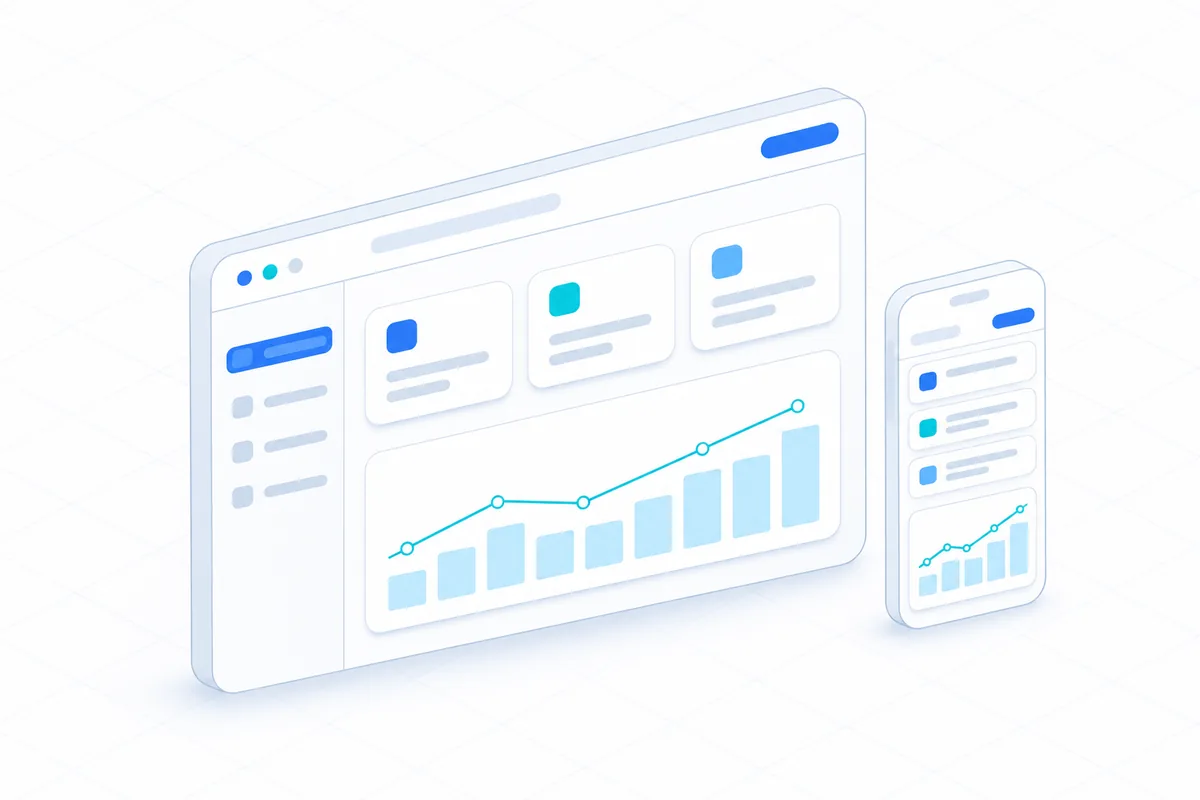
Dashboards and reporting
Operational views built on queries the database can answer efficiently, with filters, exports and clearly defined numbers.
Internal business systems
CRM, ERP-like and project systems that fit the process in use, including approvals, history and permissions.
Authentication, roles and audit
Server-side sessions or tokens, granular permissions, invitation flows and audit trails for sensitive actions.
Integrations
APIs and webhooks connecting payment, accounting, communication and existing internal systems.
How we work
The mental model we follow
Discovery, data model, interface, integrations, deployment — in that order, because reversing it is what produces expensive rewrites.
- 1
Discovery
Interviews, process maps and a written list of decisions: who does what, which data exists, which rules are non-negotiable.
- 2
Data model and permissions
Entities, relationships, states and access rules reviewed before code. This is the cheapest point to change the design.
- 3
Interface and API slices
One vertical slice at a time: screens, endpoints, validation and tests delivered together and reviewed on real data.
- 4
Integrations
Connections to payment, accounting, email and internal systems, with retries and failure states designed rather than assumed.
- 5
Deployment and handover
Staging and production environments, migration scripts, documentation and access transferred to your team.
Start with the workflow, not the feature list
Describe the process that hurts and the systems involved. We will suggest the smallest application that removes the manual work and can grow.
Architecture
The shape of a business application
- 1
Interface
Nuxt and Vue with server rendering for the first load and client navigation for the working session.
- 2
API and business rules
Validation, permissions and state transitions enforced on the server, not in the browser.
- 3
Data model
PostgreSQL with migrations, indexes and constraints that reflect the rules agreed in discovery.
- 4
Jobs and integrations
Queues for slow work, retries for external systems, and a visible state when something fails.
- 5
Access and audit
Roles, invitations and an audit trail for sensitive actions.
FAQ
Questions about Web Applications
Related services
Services that pair with Web Applications
Let's Build What's Next
Tell us what you need — development, hosting, security or AI. We'll discuss a solution for your goals.