
Maintenance & Support
Software ages whether or not anyone touches it: dependencies move, browsers change, certificates expire, disks fill. Maintenance is the work that keeps a working system working, and the person to call when it stops.
In scope
- Updates and security patching
- Diagnostics and incident response
- Performance work
- Monitoring and reporting
Scope and sequence confirmed in writing before work starts.
In short
Maintenance is the work that keeps a working system working: updates, dependency and certificate checks, diagnostics when something is slow, optimisation, and someone to call when it stops. We work from an inventory and a plan that separates updates safe to apply automatically from those that need testing, and we report on what was done. Response expectations and hours are agreed in writing. We will not promise a response time we cannot keep or hide work inside a vague retainer.
In context
Looked after, not just launched
Launch is the point where most projects lose their engineer. The site or application keeps running, but nobody is responsible for updates, for reading the error log, or for noticing that the database has doubled in size. Maintenance assigns that responsibility explicitly and reports on it, so problems are found on a schedule rather than by a customer.
We work from an inventory and a plan: what is installed, what is supported, which updates are safe to apply automatically and which need testing. Response expectations and hours are agreed in writing. What we do not do is promise a response time we cannot keep or hide work behind a vague support retainer.
The problem
What an unmaintained system looks like
- 01
Updates were postponed for a year
The framework and its dependencies are several major versions behind, and nobody wants to be the person who applies the upgrade.
- 02
Something is slow and nobody knows why
The site works, but page load, exports or reports have degraded gradually and no one has had time to investigate.
- 03
There is no one to call
When the site goes down on a Friday evening, responsibility is unclear and the original developer is unreachable.
- 04
Changes are undocumented
Small fixes were applied over the years without notes, so each new change risks breaking something invisible.
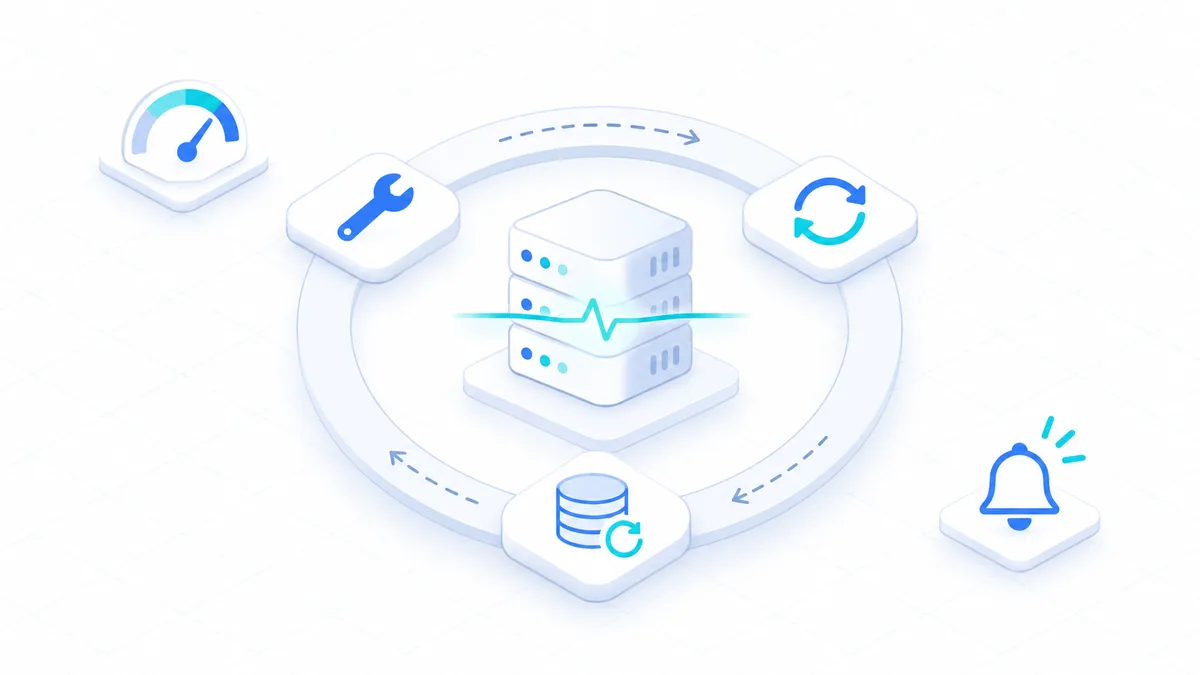
What we do
What maintenance covers
The scope is written down before work starts: which systems, which tasks, which hours and how out-of-scope requests are handled.
Update management
Framework, dependency and operating system updates applied in a staged order, tested on a copy and rolled back if the result is not clean.
Diagnostics
Investigation of errors, slow queries, failed jobs and resource exhaustion, with a written explanation of the cause and the fix.
Performance optimization
Query and index review, caching, asset delivery and application-level bottlenecks measured before and after a change.
Availability monitoring
Checks for the site, API and certificates, plus alerts for disk, memory and error rates routed to someone who acts on them.
Security patching
Timely application of security releases, dependency audit and a clear escalation path when a fix requires more than an update.
Support scope and reporting
A written list of what is covered, response windows, and a periodic summary of what was changed.
How we work
Inventory, plan, maintain, review
Maintenance becomes predictable when the plan exists before the incident. Each cycle ends with a short written record of what changed and what remains a risk.
- 1
Inventory and baseline
What runs where, which versions are installed, what is monitored and what is currently broken but tolerated.
- 2
Maintenance plan
Update cadence, testing approach, backup checks, monitoring targets and the support scope with response expectations.
- 3
Scheduled maintenance
Updates and checks applied in agreed windows, with a staging test and a rollback path for anything risky.
- 4
Respond and diagnose
Incidents handled within the agreed scope, with a short written analysis afterwards rather than a verbal summary.
- 5
Review
A periodic look at incidents, performance and remaining risk, and a decision on what to improve next.
Put the system on a maintenance plan
Tell us what needs looking after and what has been postponed. We will propose a maintenance scope and be clear about what it does and does not cover.
Architecture
The maintenance loop
- 1
Inventory
Versions, services, certificates and backups, kept current so nothing is forgotten.
- 2
Staged updates
Applied to a copy first, verified, then scheduled for production with rollback available.
- 3
Monitoring
Availability, resources, errors and certificate expiry, with alerts routed to a real person.
- 4
Response
Diagnosis, fix and a short post-incident note describing cause and prevention.
- 5
Review
Periodic reporting on changes, incidents and the next highest-value improvement.
FAQ
Questions about Maintenance & Support
Related services
Services that pair with Maintenance & Support
Let's Build What's Next
Tell us what you need — development, hosting, security or AI. We'll discuss a solution for your goals.